
Menu Image Integration Options
Four design directions for incorporating food photography into the existing Savanna-style menu. All options use a light background, Playfair Display typography, and the same menu data. Click any card to open the full interactive preview.
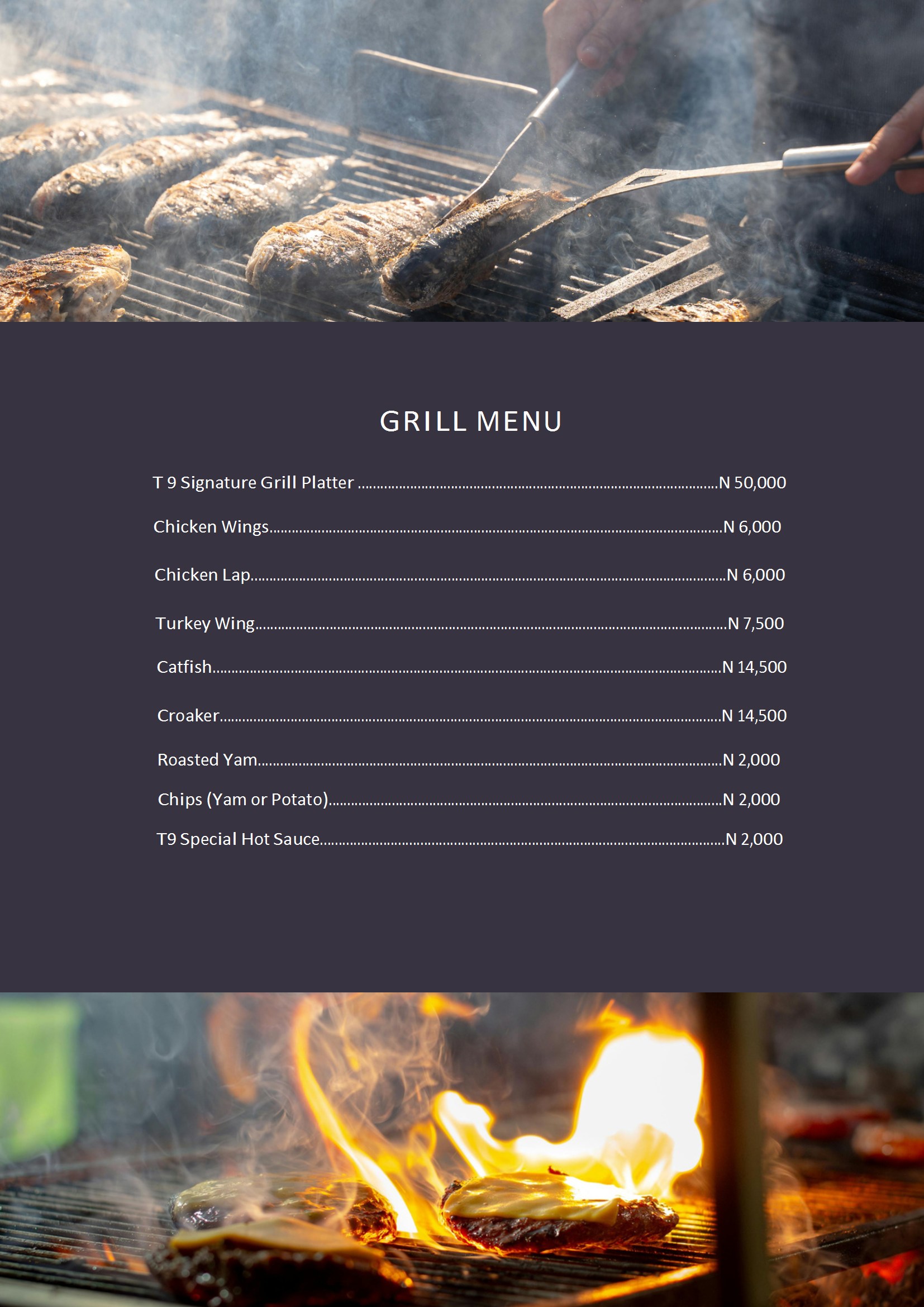
Section Heroes
Full-Width Banner Photography
Dramatic full-width food photography banners above each menu section. Each section is introduced by a stunning hero image with the title overlaid. Bold, immersive — the restaurant magazine editorial feel.
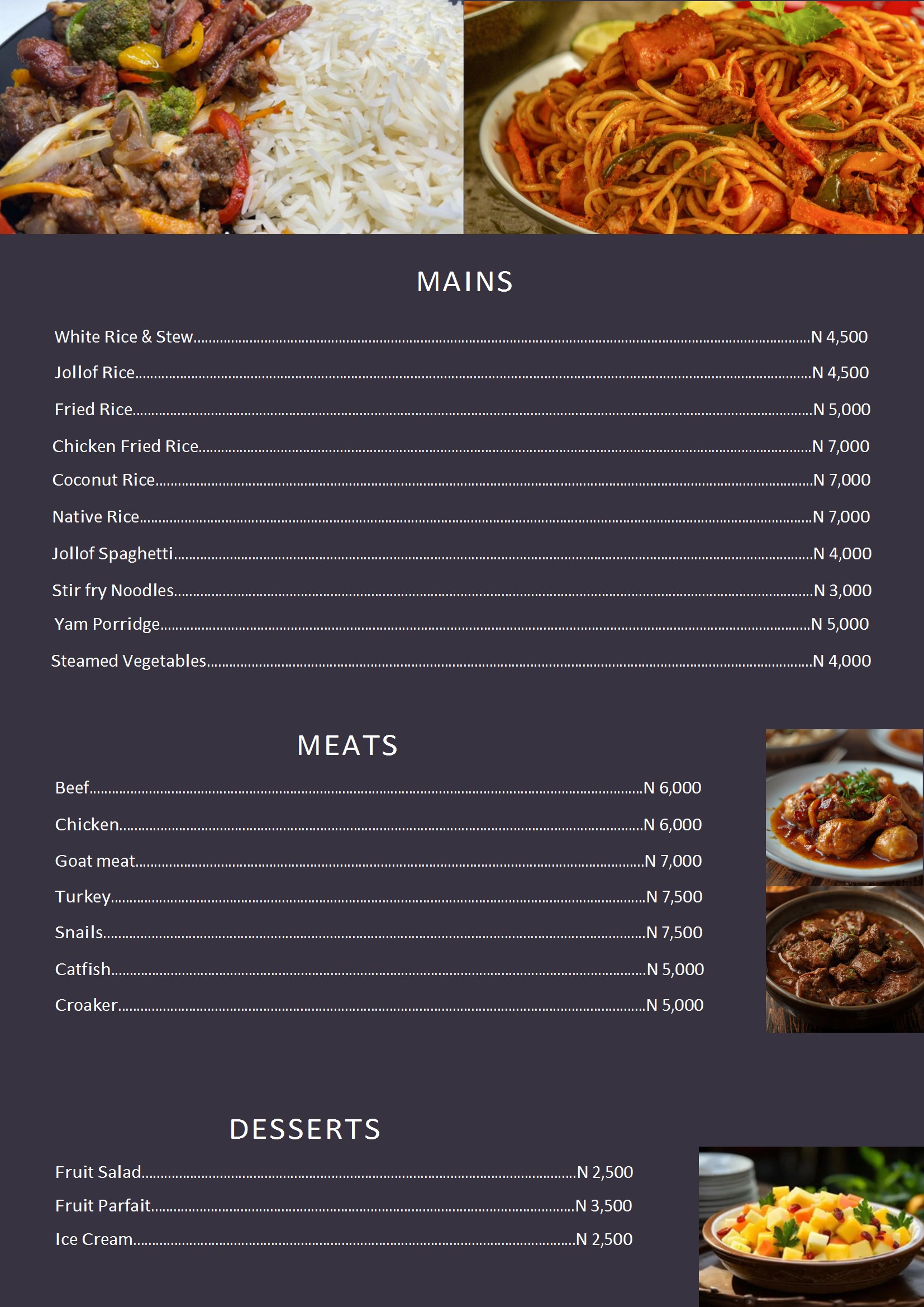
Sidebar Gallery Strip
Vertical Photo Mosaic
A curated vertical strip of food photography runs alongside menu text on the left. On mobile, it becomes a horizontal scrolling gallery. Elegant editorial layout with independent scroll.
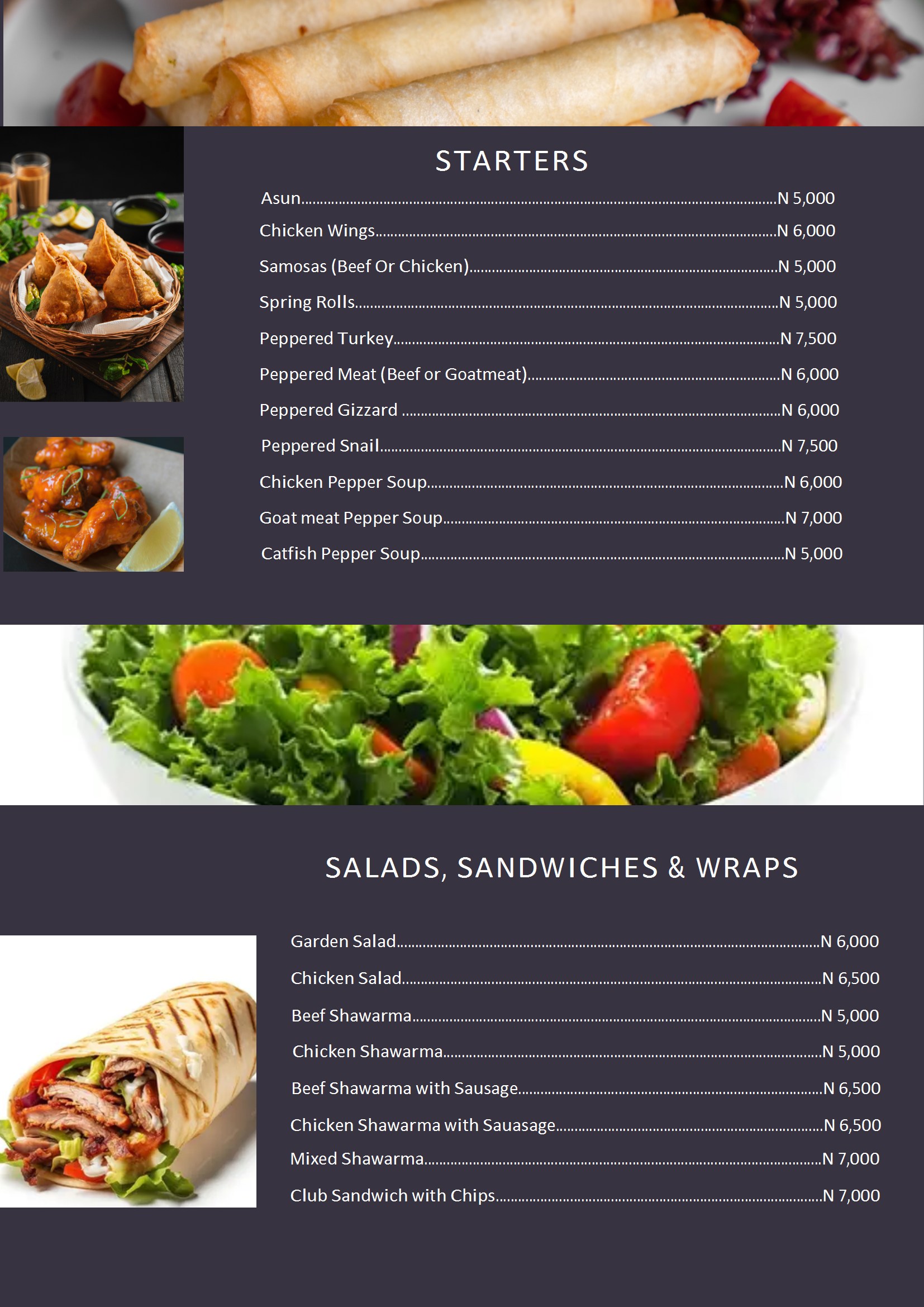
Floating Thumbnails
Subtle Circular Accents
Small circular food thumbnails float at section headers, alternating left and right for visual rhythm. The most text-focused option — images accent the content without overwhelming it. Cookbook index aesthetic.
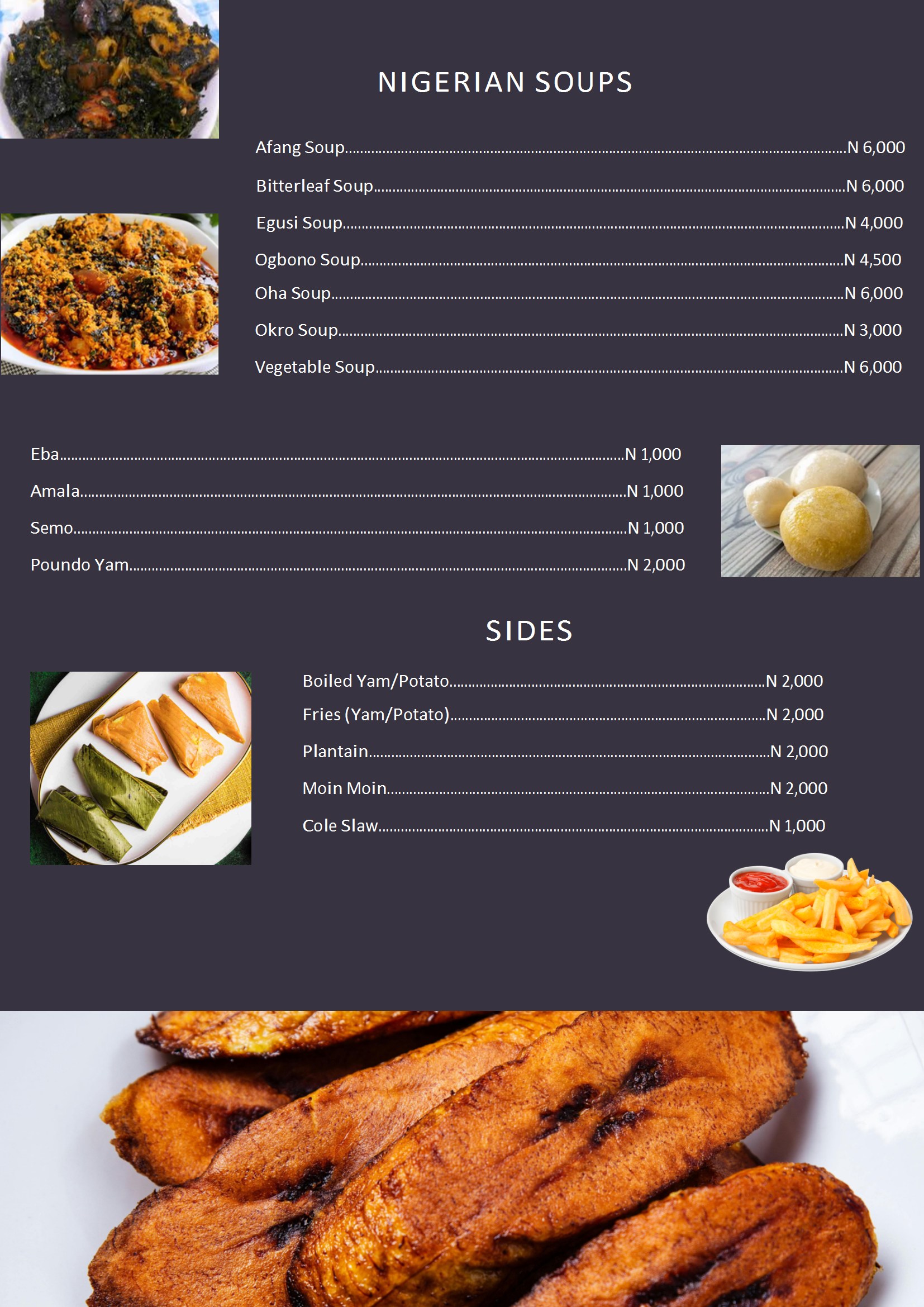
Alternating Panels
Zigzag Image + Text Blocks
Sections alternate between image-left/text-right and text-left/image-right, creating a dynamic serpentine rhythm. Images take 40% width with sticky positioning. Magazine feature-spread feel.
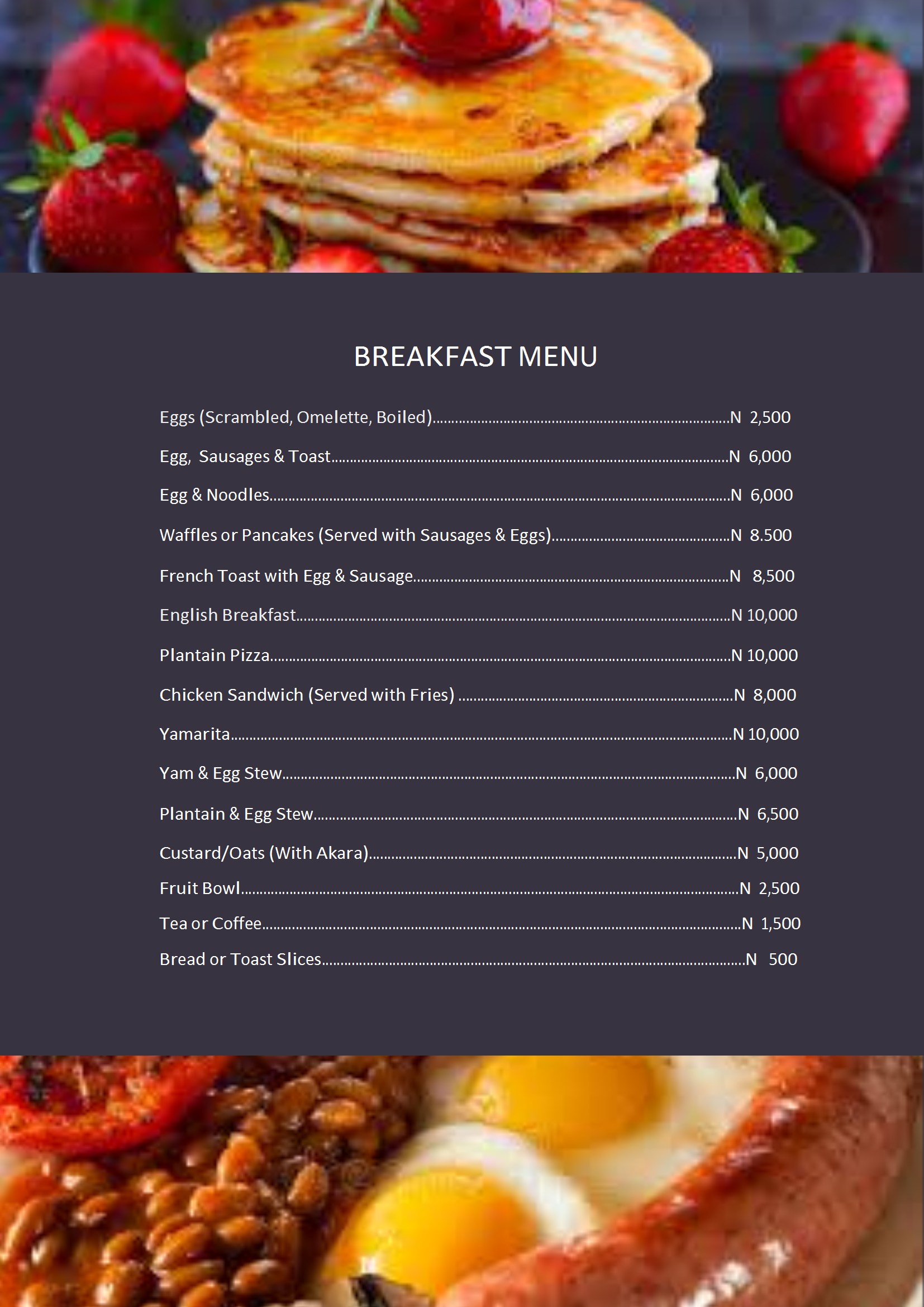
Thumbnails + Backgrounds
Frosted Glass over Section Images
Variation of Option 3 — keeps circular thumbnails at section headers but adds the section image as a subtle background behind menu items. Uses backdrop-filter blur, layered gradients, @supports progressive enhancement, and text-shadow for guaranteed legibility.
All options include:
- ✓ All 22 menu sections
- ✓ Tab navigation (4 tabs)
- ✓ Food photography from menu images
- ✓ Light Savanna editorial background
- ✓ Playfair Display typography
- ✓ Responsive mobile layout
- ✓ Clickable prices (copy)
- ✓ Featured item highlighting
Previous colour/typography options are still available:
Remove /src/pages/menu-options/ and /public/menu-images/ before deploying to production.